Set Up KidShield Child App
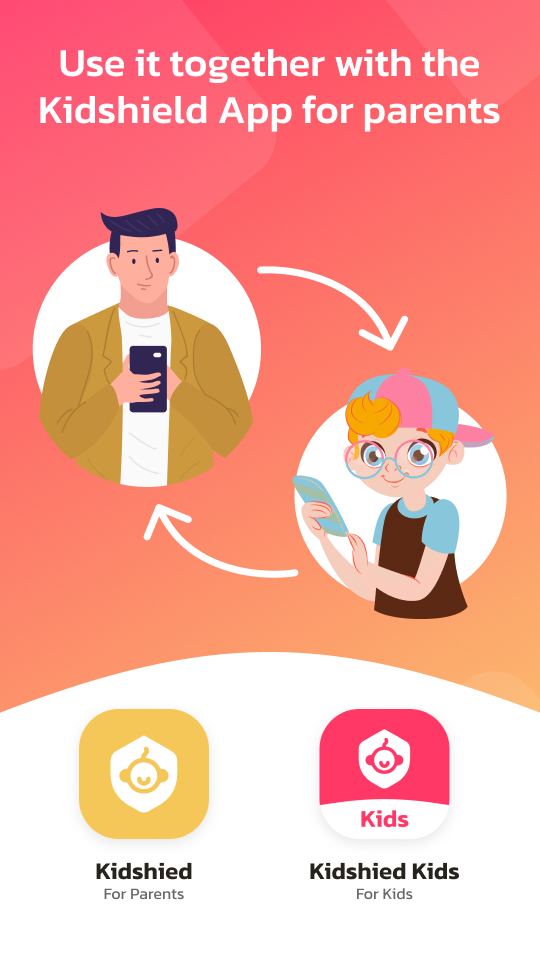
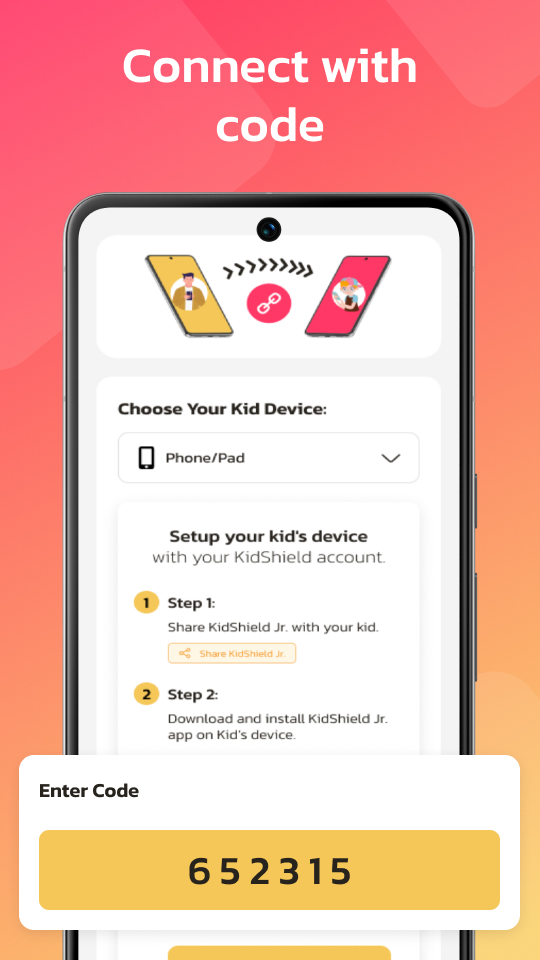
Install KidShield on your child's supported Android or iOS device to connect it with your parent dashboard and start protecting them online.

KidShield Kid App
Android and iOS child devices
Included with subscription · Official setup · Verified Safe
⚠️ Only use official KidShield setup links from this website or an authorized app store. Never install from third-party sources.
Designed for Children. Engineered for Parent Control.
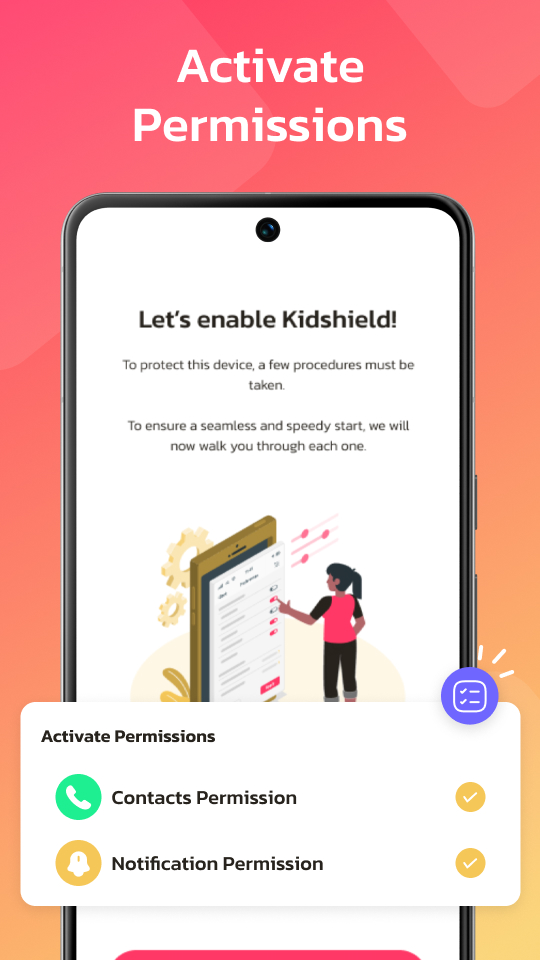
KidShield Kid remains installed as a visible child-device app and applies the rules configured by an authorized parent or legal guardian. Required permissions are shown and explained during setup.
Protection Dashboard
The child-device protection status, daily screen time, and blocked app count are shown in one clear home screen. Changes to supported controls may require parent authorization.
Choose a KidShield Plan and Start Protecting Today
Annual subscriptions support 1, 3, or 5 child devices with the same protection tools, parent dashboard, and setup support.